To delete a book,
1.On your story page > click on the 3 dots at the right side corner > On the options box, click on “Delete”.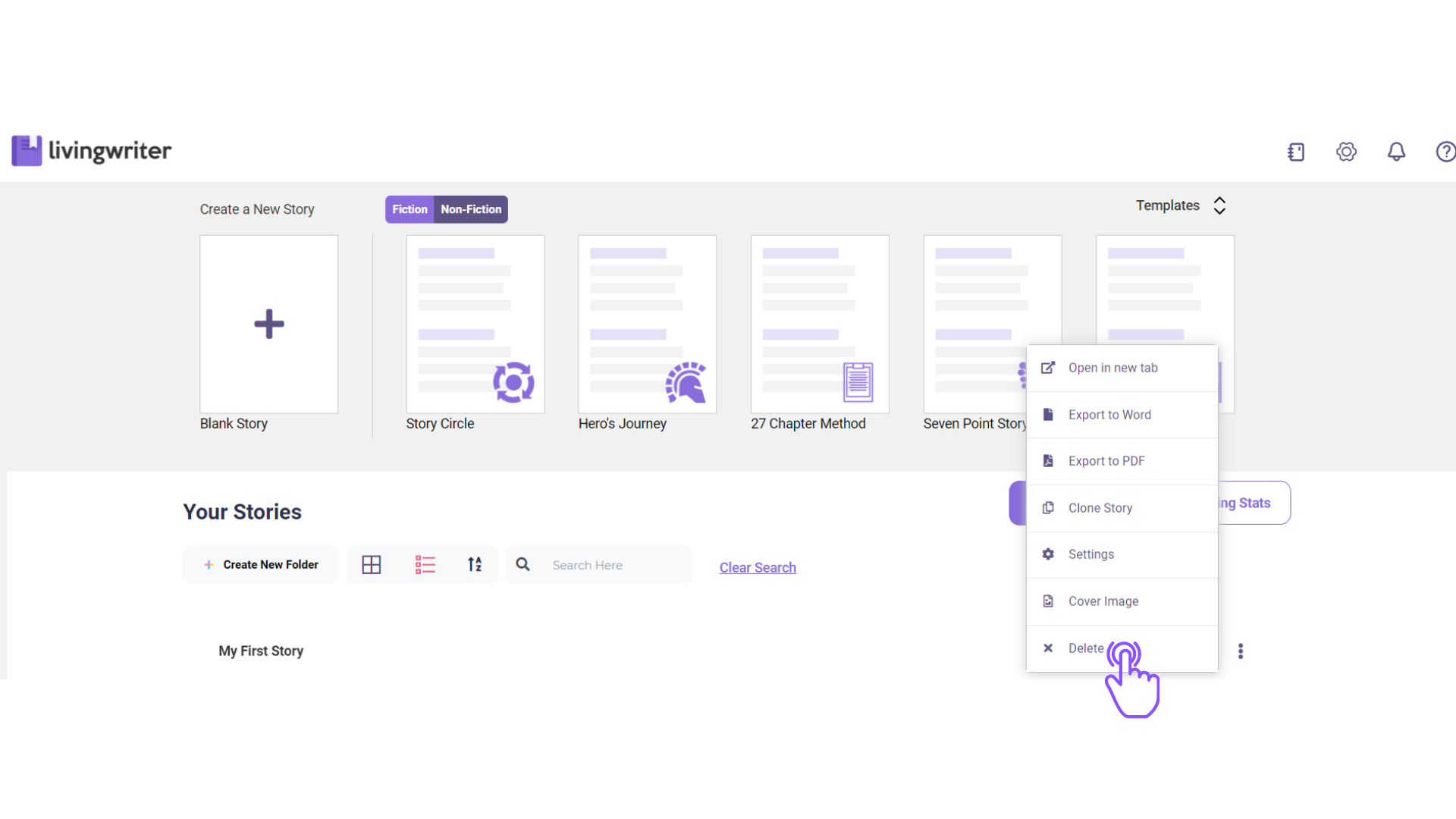

To delete a book,
1.On your story page > click on the 3 dots at the right side corner > On the options box, click on “Delete”.
Comments
0 comments
Please sign in to leave a comment.