
To export your story,
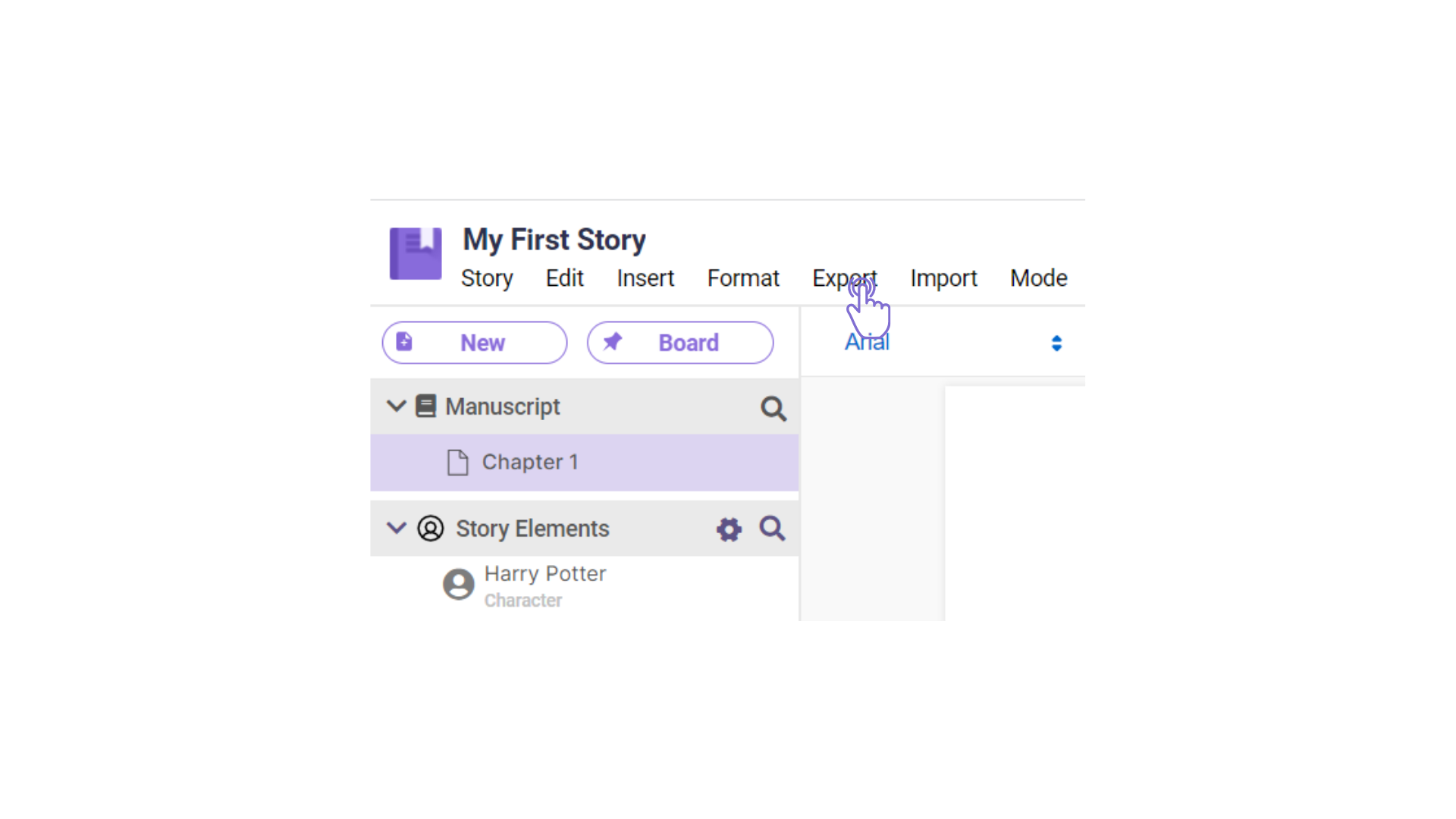
- Click the “Export” option in the main options tab.
 .2. Select what type of document you want to save the story to (e.g. Amazon Manuscript, Word, or PDF).
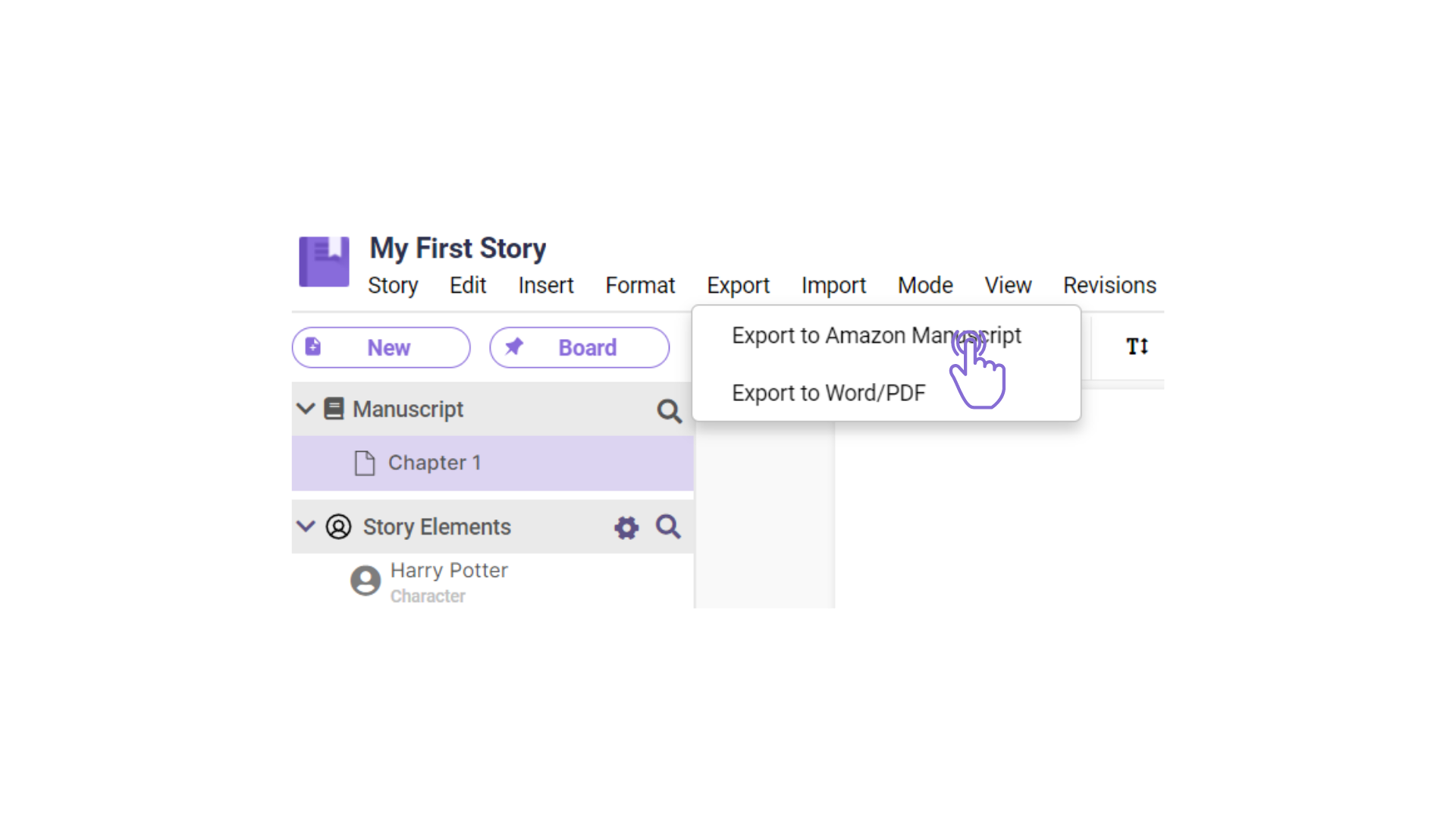 “Export to Amazon Manuscript” allows you to select the most common trim size.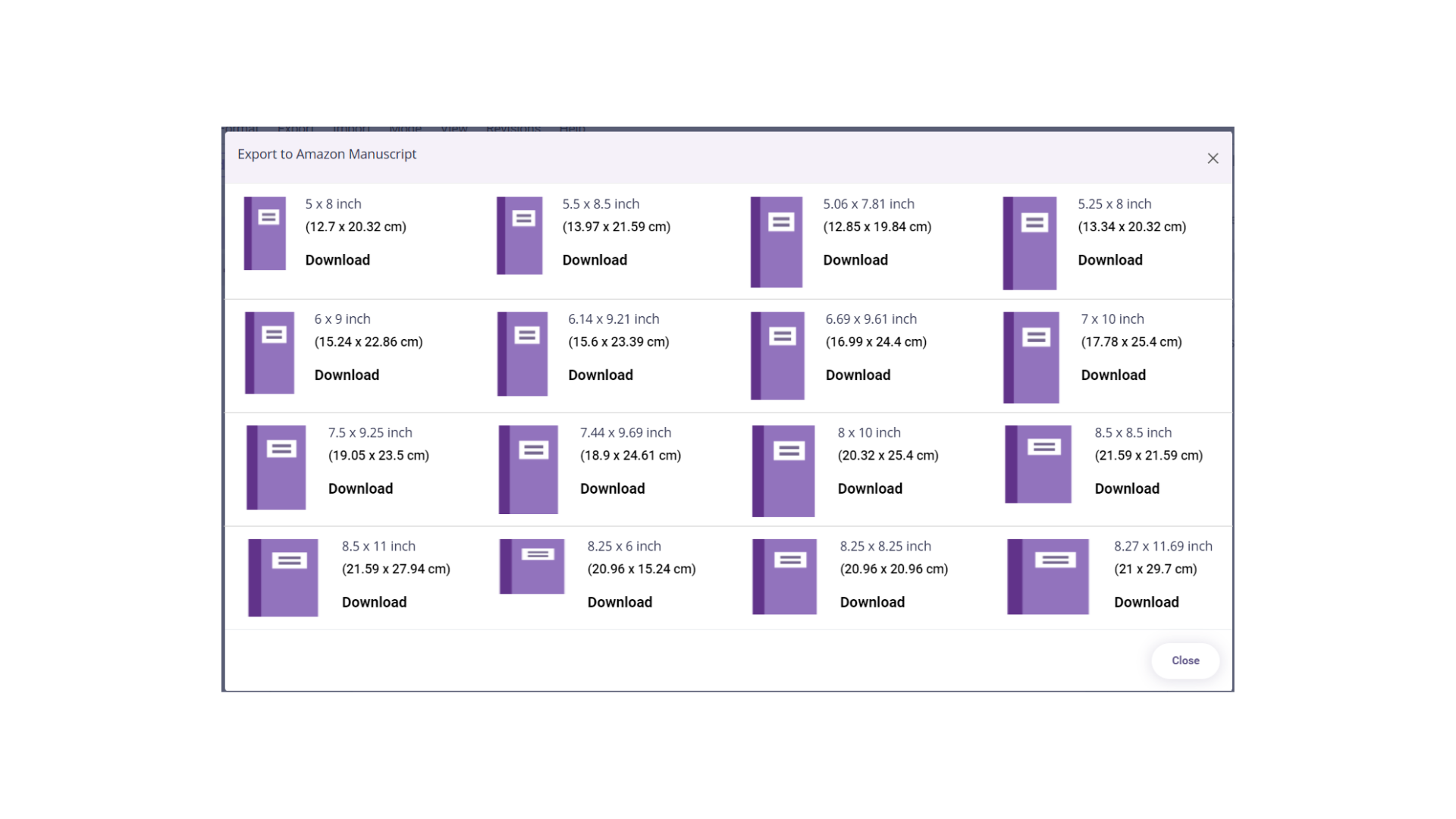
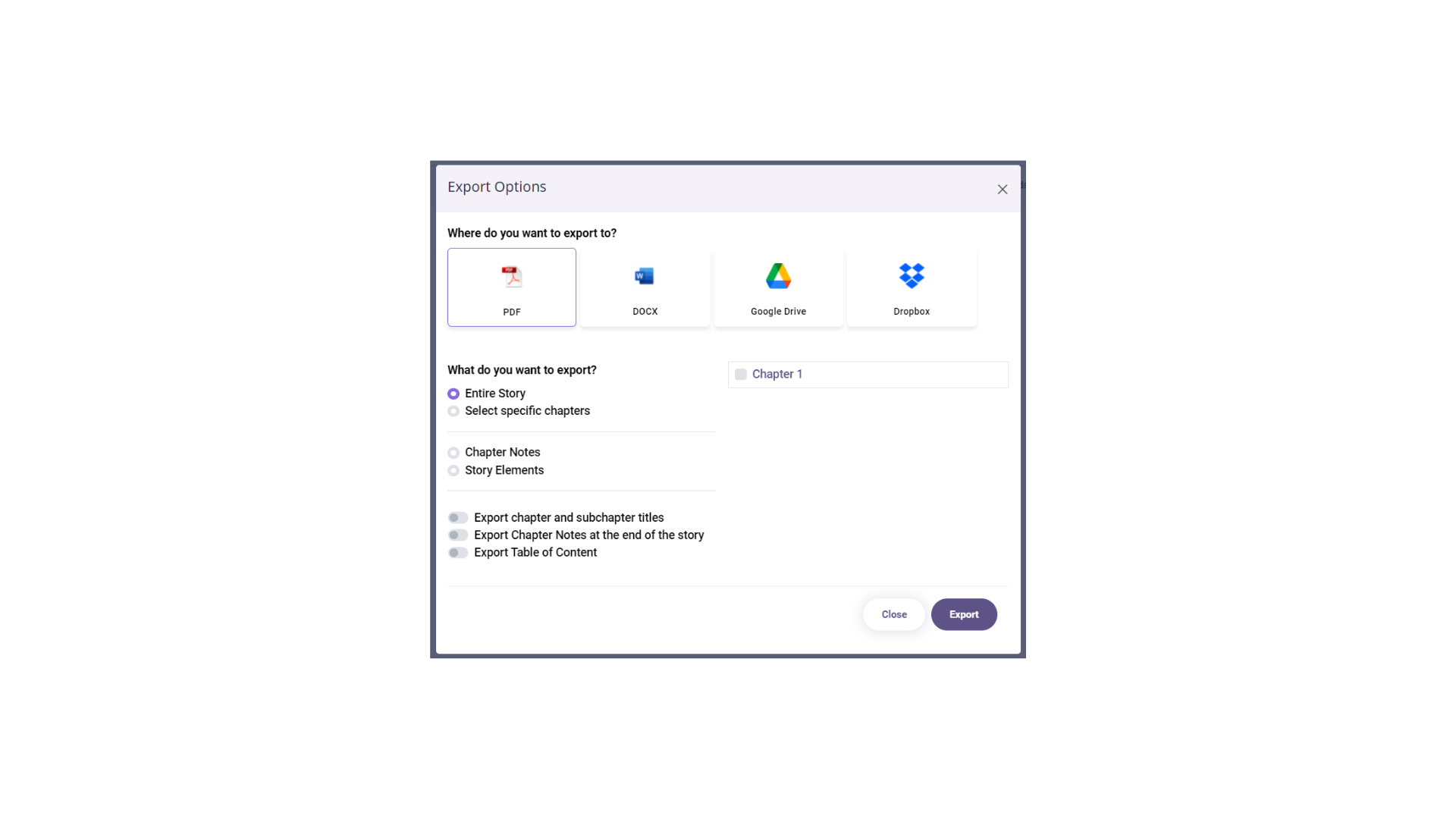
- Export to Word (.docx) / PDF(.pdf) allows you to save it as a word/ pdf document file with options to export the entire story or specific chapters.
Comments
0 comments
Please sign in to leave a comment.