
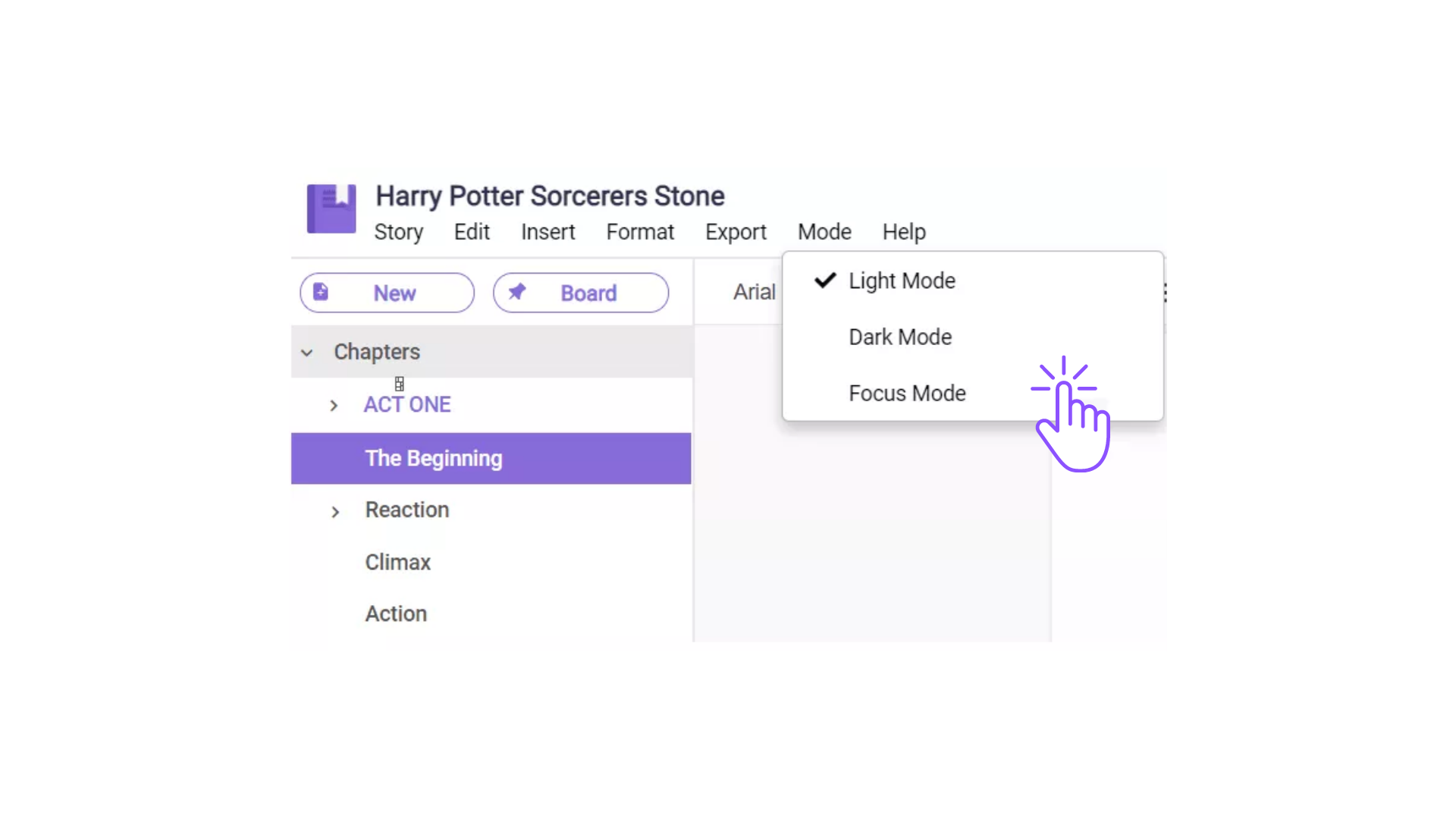
To enable or disable the focus mode,
- Click the tab “Mode” in the upper left bar.
- You can then check or uncheck the “Focus Mode” option.
- When you choose to enable the “Focus Mode”, you can now start typing for at least 15 seconds to blur out the right and left sidebar.
Comments
0 comments
Please sign in to leave a comment.