To add and edit story element pictures
- Open a story.
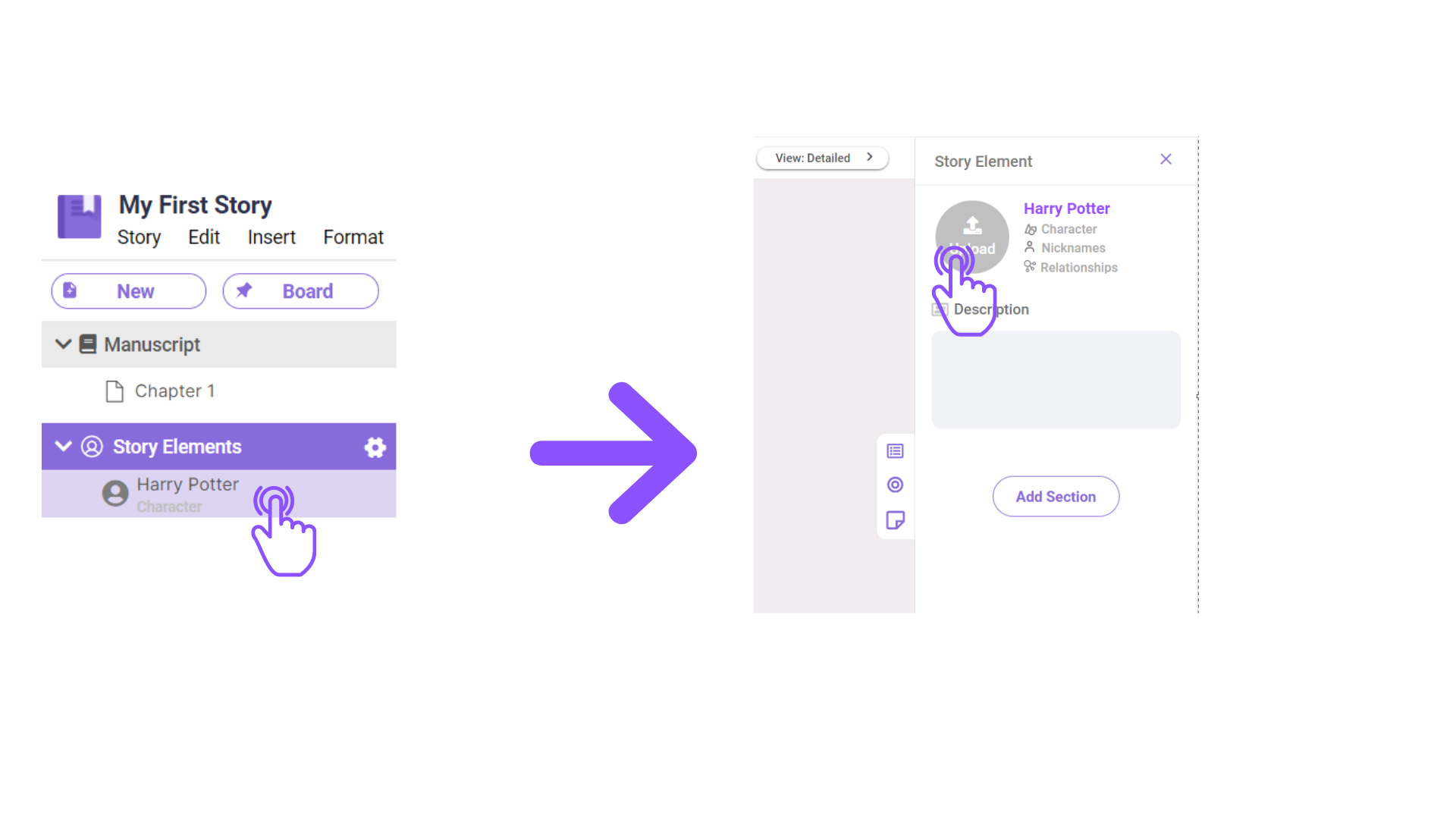
- In the left pane, click which story element you wish to add/edit the picture in.
- Then in the right pane, click the profile icon to open the file folder and locate the image you want to upload.

To add and edit story element pictures
Comments
0 comments
Please sign in to leave a comment.