
To add nicknames or alternate names to a story element, go to livingwriter.com, log in, and then:
- Open a story.
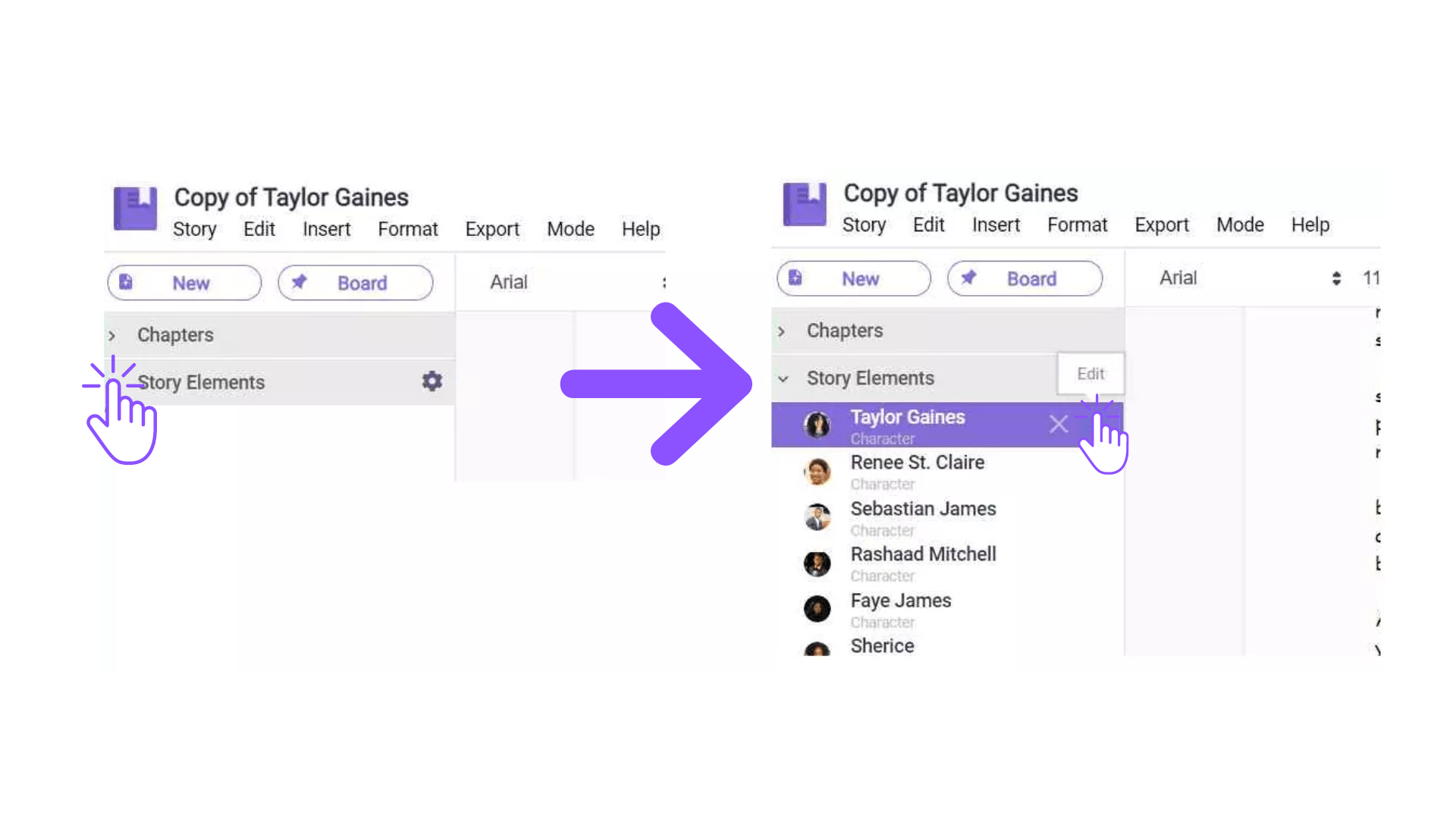
- Expand the “Story Element” option in the left pane.
- Select which story element you want to edit, then click the “Edit” option.
 4. On the right pane, click on the “Nicknames” option, then you can add the nicknames in the box.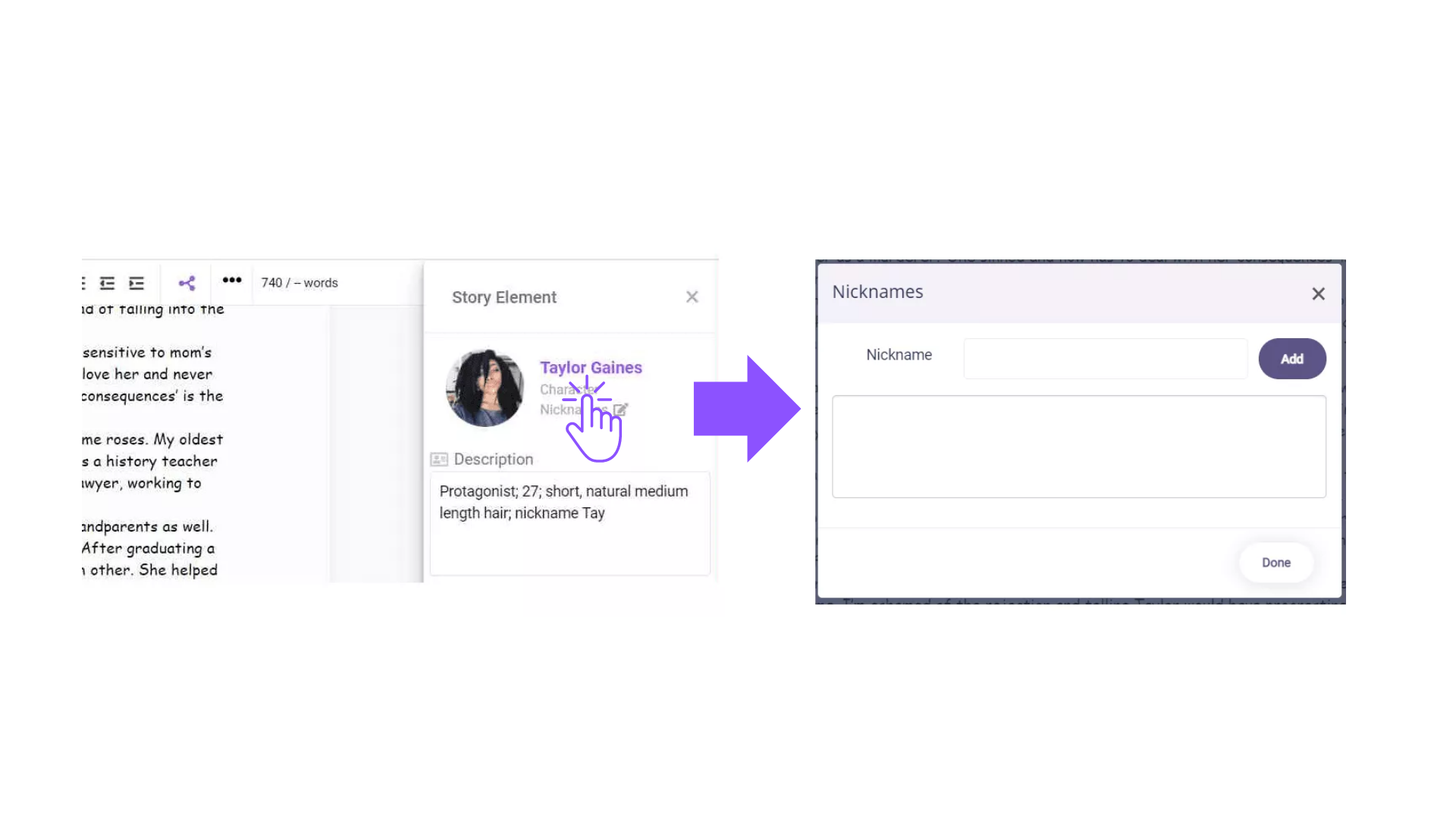
Comments
0 comments
Please sign in to leave a comment.